Sign up and create your organization
Creating your account also creates your firm's workspace. It takes about a minute, no card required, and your first project is free.
- 1
Create your account
From the Arch Grid home page, click Get started free. You'll land on the sign-up form with the note First project free · no payment required.
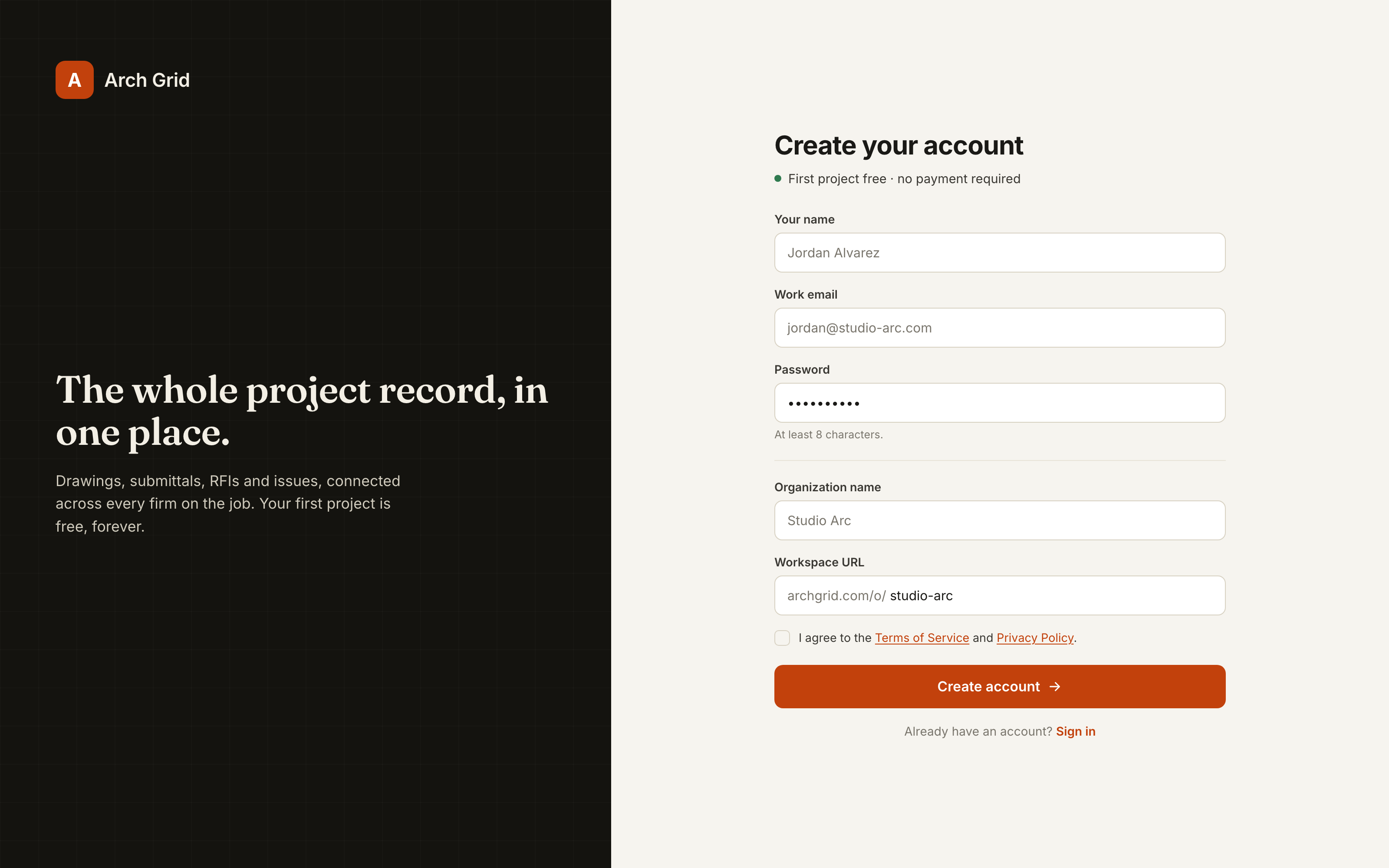
The sign-up form. - 2
Fill in your details and name your firm
Enter Your name, Work email, and a Password (at least 8 characters).
Then name your firm under Organization name, and pick a Workspace URL (this becomes your team's web address, shown after the
/o/prefix). Agree to the terms and click Create account.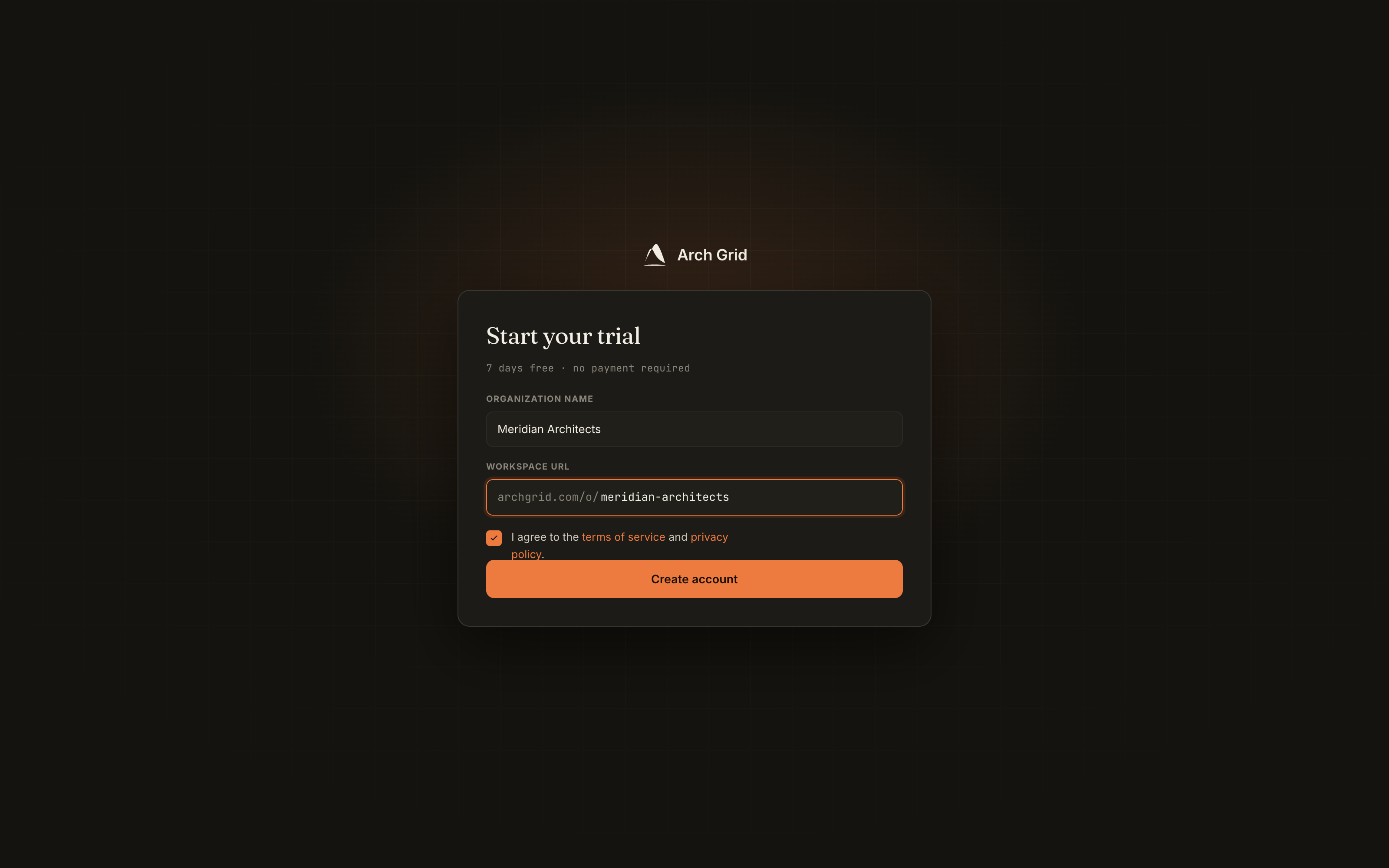
Account details plus your organization name and workspace URL. - 3
Confirm your email
You'll see a Check your inbox screen. Open the confirmation email and click the link to verify your account.
NoteYour workspace is created the moment you confirm your email, not while you're filling in the form. If the link expires, just sign in again to resend it. - 4
You're in
After confirming, you land on your dashboard as the owner of your new organization. That's the whole setup. Next, create your first project.